Quantum Messaging · July 2026
Samsung Messages is gone.
Your privacy doesn't have to go with it.
By Quantum Fiduciary
8 min read
Free & open source
Android 8+
On July 6, 2026, Samsung shut down Samsung Messages in the United States and began pushing millions of Galaxy owners toward Google Messages — a closed-source app tied to a Google account, with cloud-routed RCS and Gemini-powered features baked in. For many people that's fine. For the rest of us, it felt like the last local-first option on the default path just vanished.
We built QuantaSMS because we wanted something different: a messenger that looks and feels modern in 2026, but treats your SMS the way SMS was always meant to work — on your phone, under your control, with no silent uploads, no ad SDKs, and no requirement to trust a cloud company with every word you type.
"Your messages aren't the product. You are not the product. The app is free, the code is open, and the network features are opt-in."
— The QuantaSMS philosophy
What makes QuantaSMS different?
At its core, QuantaSMS is a full-featured SMS/MMS client: inbox, threads, group messaging, scheduled sends, attachments, blocking, archiving, backup export, and dual-SIM support including eSIM labels. But that's table stakes. What matters is everything wrapped around it.
Local-first by default
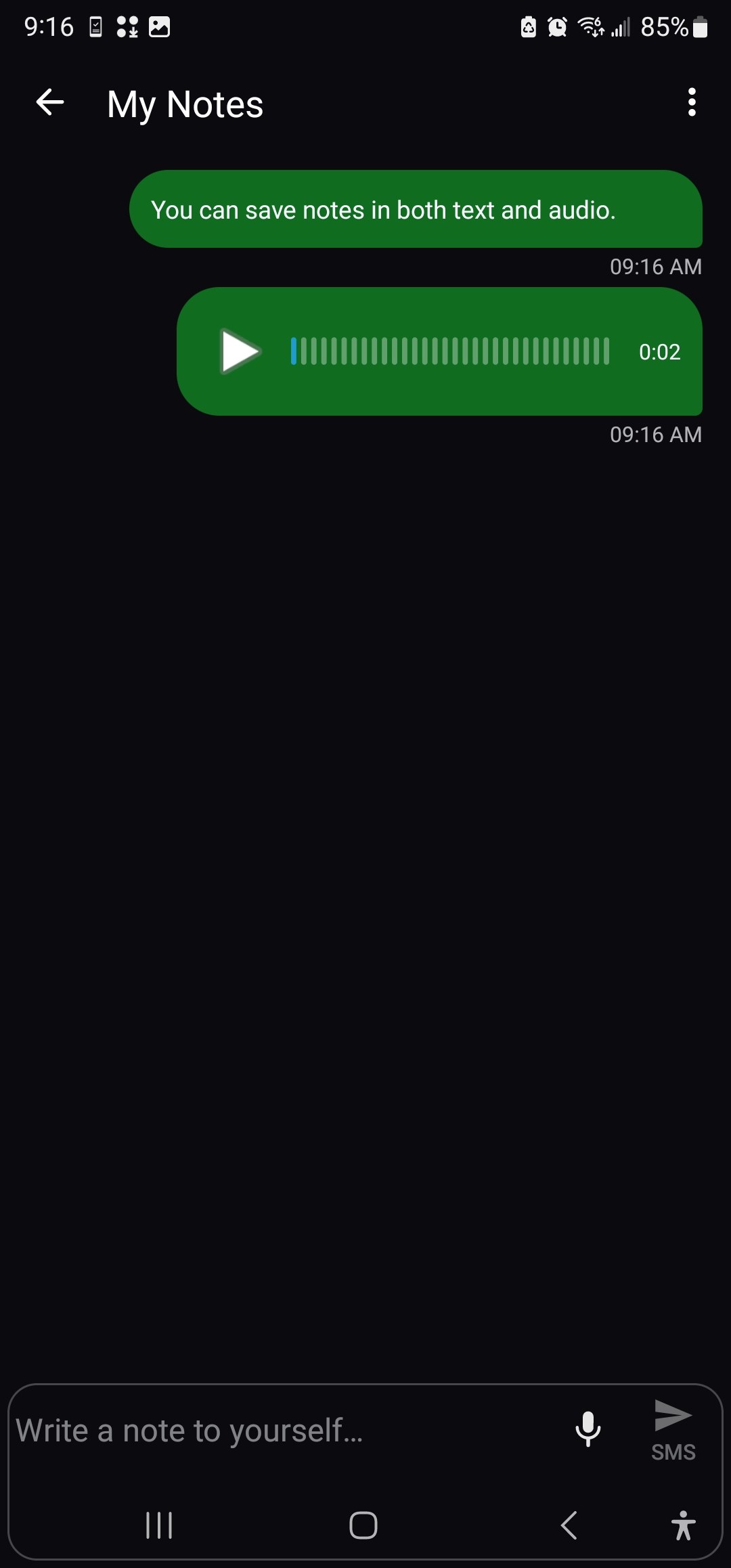
Messages, notes, and settings live on your device. The app works without internet for core SMS. Networking is only for MMS (carrier-required), plus features you explicitly enable.
Opt-in everything else
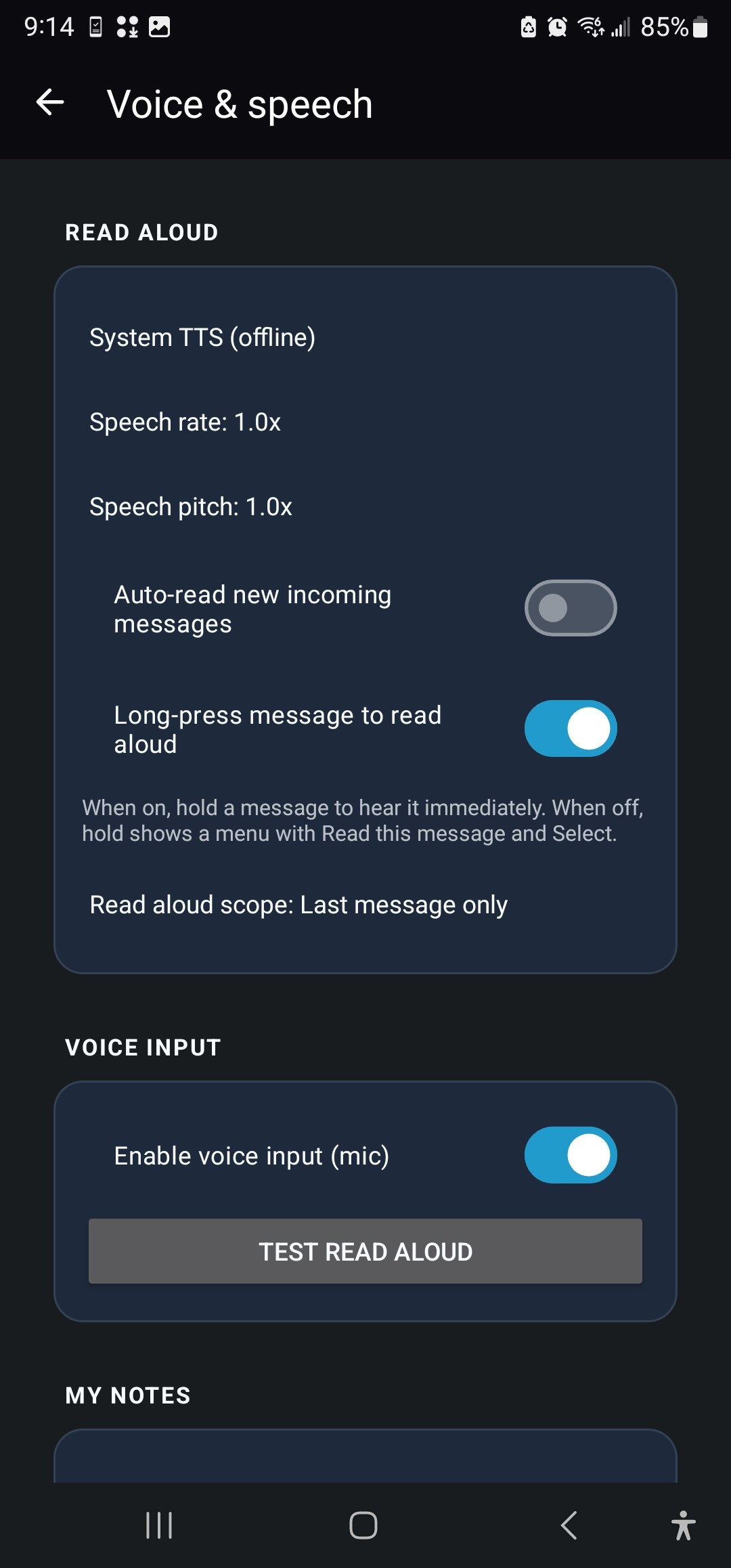
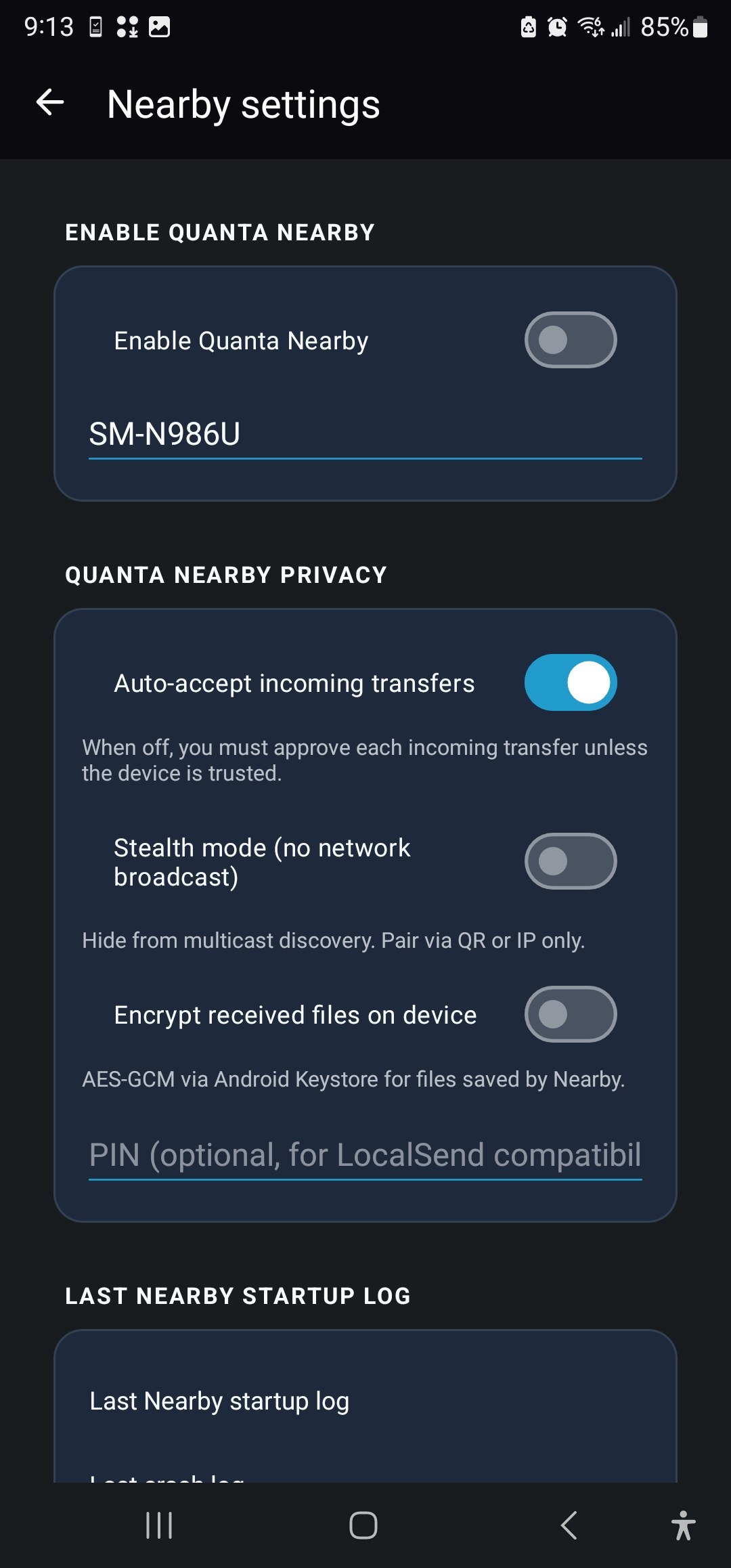
Quanta AI, Quanta Nearby, Web Companion, and the developer gateway are powerful — and entirely off until you turn them on. Point AI at your own server. Point Nearby at your own LAN.
A design system, not just a dark theme
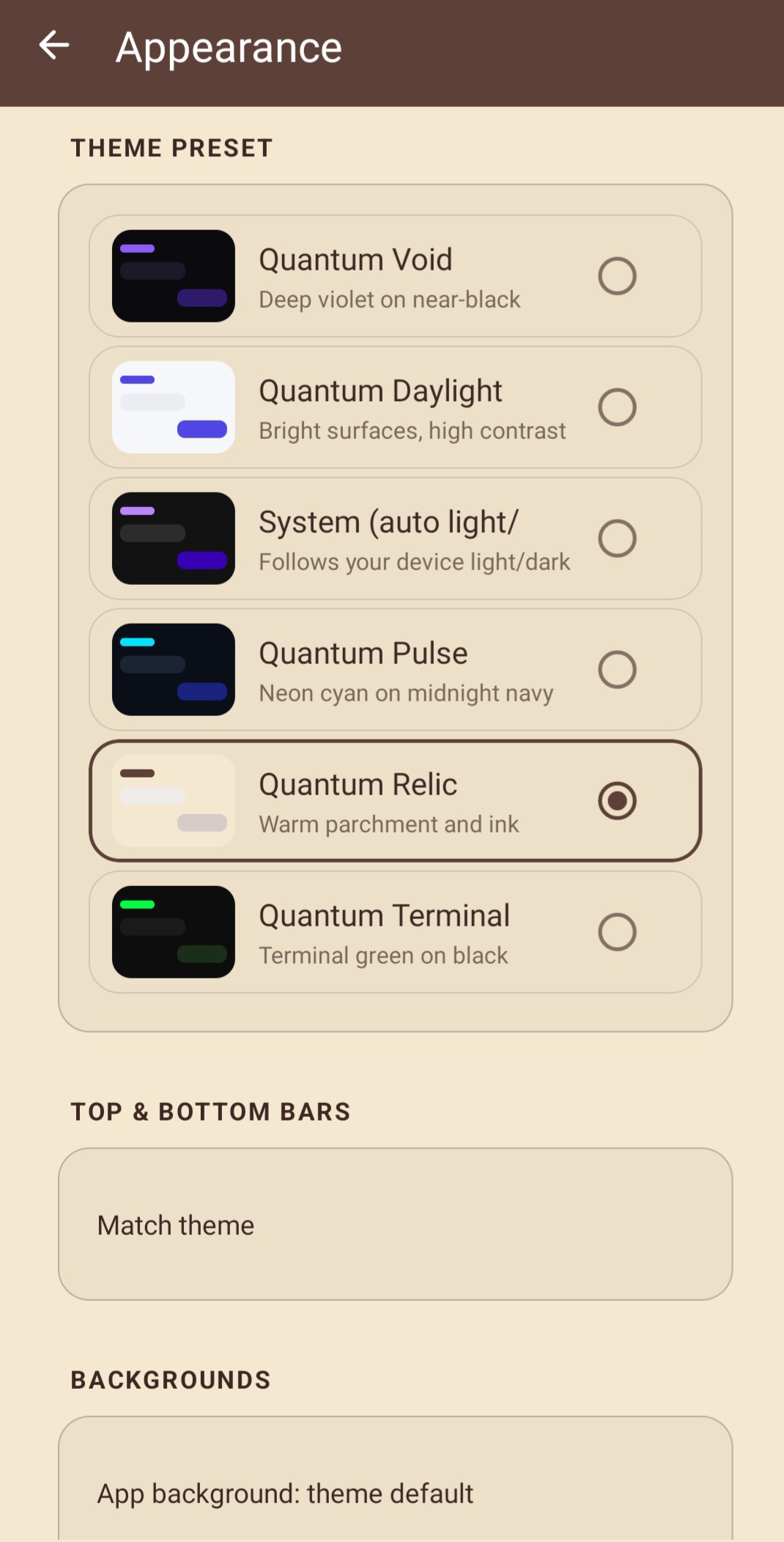
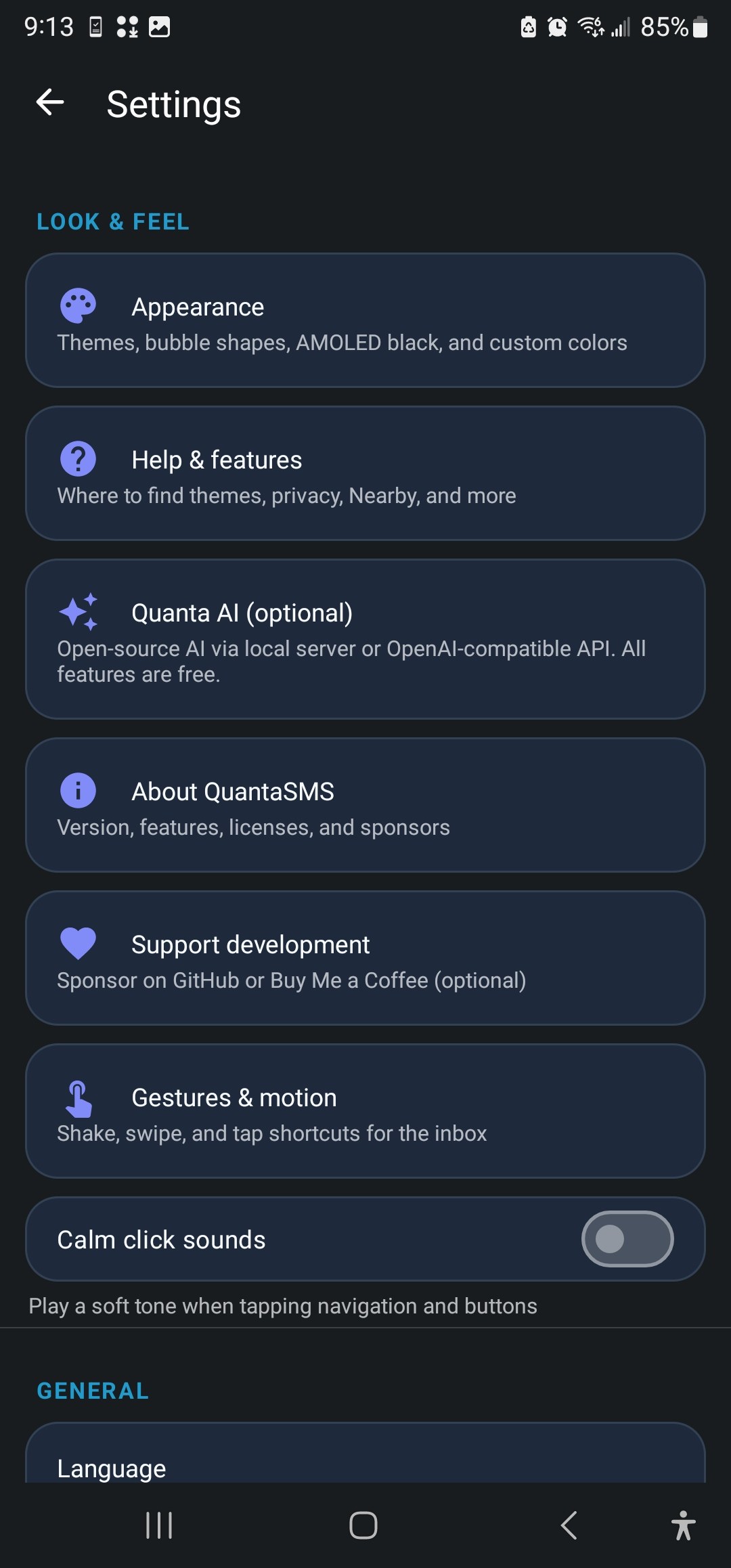
We didn't slap a black background on a 2014 UI and call it a day. QuantaSMS ships six curated theme presets — Quantum Void for AMOLED purists, Quantum Daylight for bright environments, Quantum Pulse for neon lovers, and more — plus a fully custom theme builder. Settings use a bento-style card layout so you can actually find things. The bottom bar puts Notes, Search, Nearby, and Settings one tap away; compose lives on the FAB where your thumb expects it.
Quanta AI — intelligence without surveillance
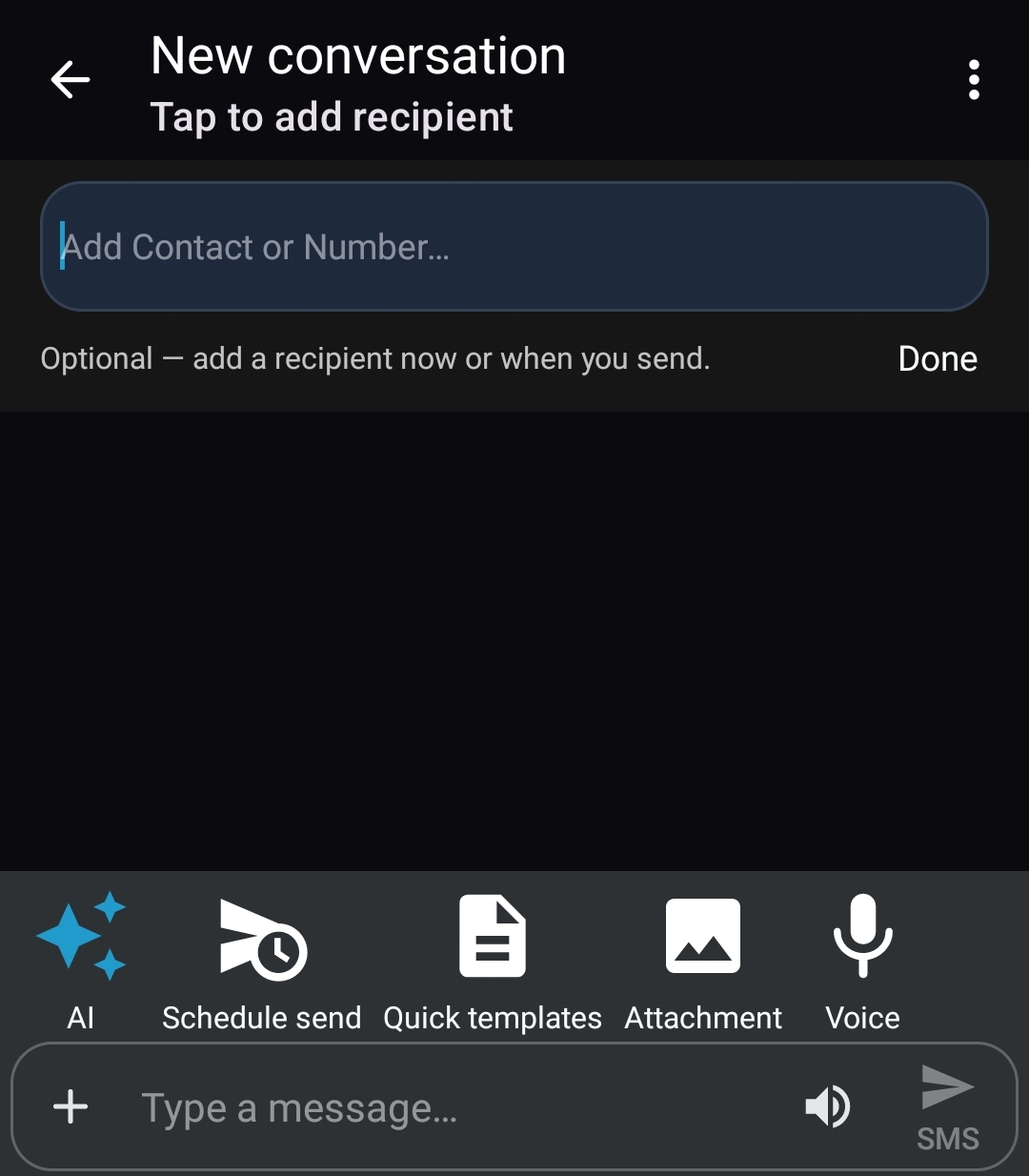
Every major messenger is racing to put cloud AI in your compose bar. We put AI there too — but with a critical difference: you choose the provider, and you choose every invocation. Connect an OpenAI-compatible API with your own key, or run a local model on Ollama. Suggest a reply, rewrite your draft with a tone picker, or summarize a long thread. Your SMS history stays on-device until you deliberately send text to the endpoint you configured.
Quanta Nearby — the LAN is yours again
Remember when you could AirDrop to a friend without creating an account? Quanta Nearby brings that energy to Android: message and file sharing over Wi‑Fi with mDNS discovery, PIN pairing, end-to-end encryption, and stealth mode. No internet required. No corporate relay. Open it from the bottom bar, pair once, and your devices talk directly.
Privacy tools that mean something
Incognito threads silence notifications and exclude conversations from Web Companion sync. Screenshot blocking stops shoulder surfers. App lock with biometrics keeps the inbox behind your fingerprint. An on-device audit log records every developer-gateway send. Local-only mode is the nuclear option — one toggle disables all networked features. These aren't checkbox features for a privacy policy page. They're tools you can feel.
- Free forever. No premium tier. No "QuantaSMS Pro." Every feature in the app is free.
- Open source. GPL v3. Read the code on GitHub. Fork it. Audit it. Contribute a fix.
- Community supported. We fund development through GitHub Sponsors and Buy Me a Coffee — optional donations from people who want to see the project grow.
- No ads. No trackers. No telemetry. We don't know how many messages you send. We don't want to.
Who is QuantaSMS for?
If you're happy with Google Messages and RCS through Google's servers, QuantaSMS probably isn't for you — and that's okay. We're honest about the trade-off: you won't get cloud RCS chat features. What you will get is SMS/MMS that stays local, an app you can inspect and trust, optional AI and LAN features pointed at infrastructure you control, and a team that builds for privacy-minded Android users — not for ad impressions.
If Samsung's shutdown left you looking for an alternative, if you're skeptical of Gemini reading your drafts, if you run a home lab and want an SMS API on your phone, or if you simply believe messaging apps should respect you — QuantaSMS was built for you.
Download it free. Use it free. If it earns a place on your home screen, consider buying us a coffee. That's the whole business model.